


View Instagram stories after 24 hours, with the time they were posted
After 24 hours an Instagram story disappears. From then on only the owner can see it in their own archive. For everyone else, an expired story can only be viewed if it was saved before it expired. Tools promising any old story from any profile cannot deliver that.
The SocialChecker app saves stories at exactly that moment. As soon as you add a public profile, every new story is captured and stored in your archive with its date and time. It stays there for as long as you watch the profile.
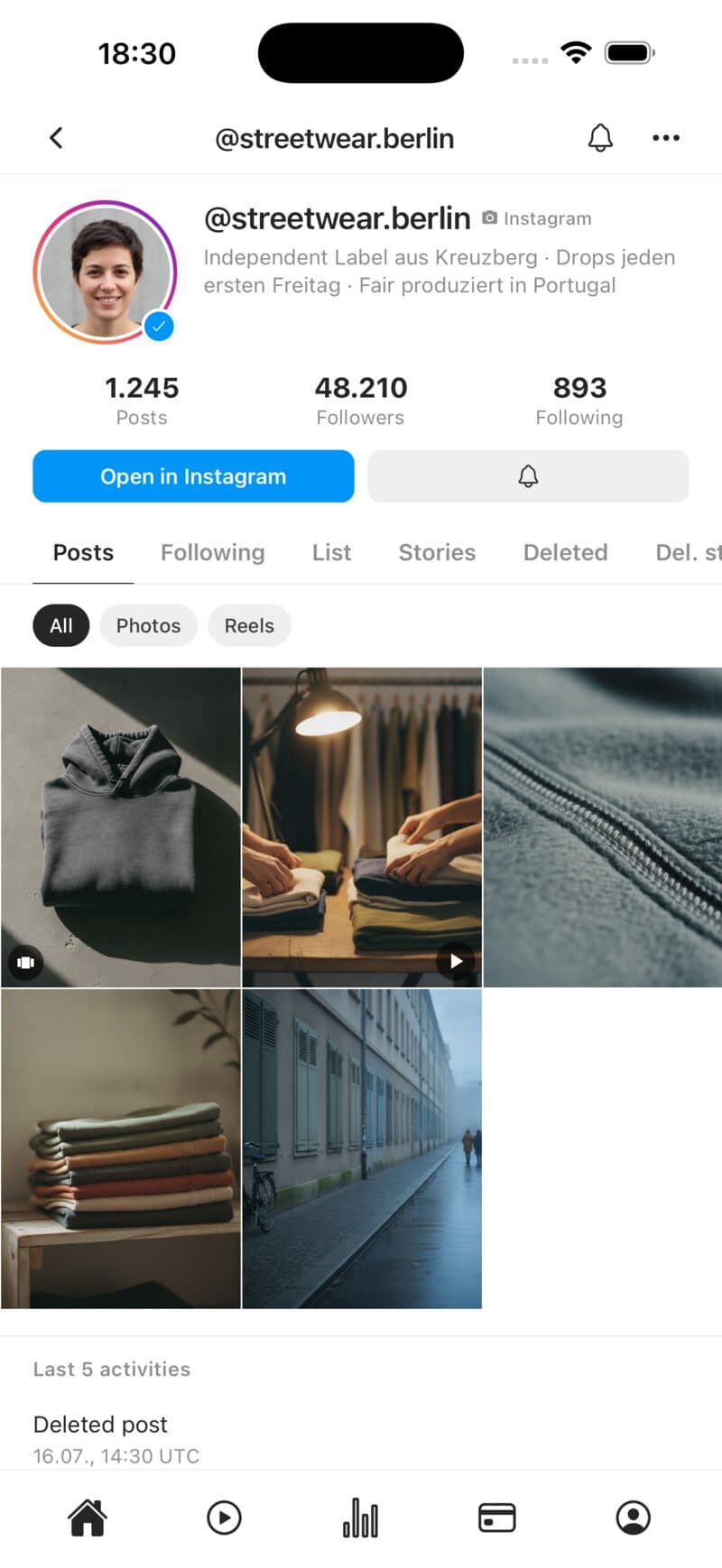
How the story archive works
Never miss a story
Stories often appear at inconvenient times. The app checks watched profiles regularly and saves new stories automatically. You can also get a push notification.
- Automatic capture of new stories
- No 24-hour countdown
- Push for new stories
With date and time
Every archived story carries its publishing time. Weeks later you can still see exactly when something was posted and follow a profile’s story activity.
- Sorted by date and time
- Photos and videos
- History across weeks and months
Not in the viewer list
Stories are fetched through SocialChecker, not through your Instagram account. You do not appear in the viewer list, neither when the story is captured nor when you watch it later.
- No entry in the viewer list
- No Instagram account needed
- Public profiles only
Part of profile monitoring
The story archive comes with monitoring a profile. You also get new and deleted posts, follower history and following changes, for Instagram, TikTok and Snapchat (Snapchat: stories and highlights).
- Posts, stories and followers together
- Archive for deleted posts
- Up to 50 profiles depending on plan
How to build your story archive
Add a profile
Enter a public Instagram profile in the app. From now on every new story is captured.
Let it save automatically
SocialChecker checks the profile regularly and stores new stories with timestamps in your archive.
Watch any time
Open the archive whenever you like, long after the story expired on Instagram.
Story archive FAQ
Can you view Instagram stories after 24 hours?
Not on Instagram, where only the owner can see their expired stories. It is only possible if the story was saved beforehand. SocialChecker does that automatically for the profiles you watch.
Can I see old stories posted before I started watching?
No. Only stories that were live while monitoring was active are saved. That is why it pays to add interesting profiles early.
Can I see what time an Instagram story was posted?
Yes. Every archived story is stored with the date and time it was published, with all times shown in UTC.
How long do stories stay in the archive?
For as long as you watch the profile. If you remove the profile or your plan ends, the saved data is deleted after a while.
Does the profile see that its stories are archived?
No. Capturing does not run through your Instagram account, and you never appear in any viewer list.
Does it work with private profiles?
No. Stories of private accounts are not public and are not captured.
For how many profiles does it work?
For every profile in your plan: Basic 3, Premium 10, Ultra 50. Each profile gets its own story archive.
Discover more
Start saving stories today
Get SocialChecker for iOS or Android. Stories from public profiles are archived automatically and stay available with date and time.